TTSReader just got its biggest update yet. Discover, the app’s catalogue, now holds all of Project Gutenberg, all of LibriVox and all of Wikipedia. It is one place to scroll and search, in 81 languages. That brings thousands of classic books narrated by real people into TTSReader, free to every user.
And there is something no one else in the world offers: 579 complete LibriVox audiobooks, more than 5,000 hours of human narration, synced to their source text sentence by sentence. Press play, and the page follows the narrator.
It is on iPhone, Android and the web, with CarPlay, Android Auto and full offline listening.
👉 GET TTSREADER ON THE APP STORE
👉 GET TTSREADER ON GOOGLE PLAY
What’s new, in short
- The whole public-domain library in one catalogue: all of Project Gutenberg, all of LibriVox and all of Wikipedia, with scroll and search, in 81 languages.
- More than 22,000 human-narrated audiobooks, from LibriVox’s volunteer readers, free to listen to in TTSReader.
- A world first: human narration synced to the book. 579 complete LibriVox audiobooks (more than 5,000 hours) are aligned to their source texts, sentence by sentence.
- A Kindle-like library of free e-books, with something Kindle doesn’t do for free: the book reads itself to you, and you can follow along.
- Built for listening anywhere: offline downloads, CarPlay and Android Auto, bookmarks, and a library that keeps your place in every book.
Human narration, synced to the text: a world first
LibriVox volunteers have recorded more than 22,000 public-domain books over more than twenty years. Until now, listening to one meant audio only: no text, no way to see where you are, no way to find a passage.
We transcribed 579 complete LibriVox audiobooks and aligned each one to its source text. That is 16,097 chapters and more than 5,000 hours of human narration. As far as we know, we are the first and only ones in the world to do this.
While a recording plays, the sentence being read lights up on the page, and the page scrolls with the narrator.
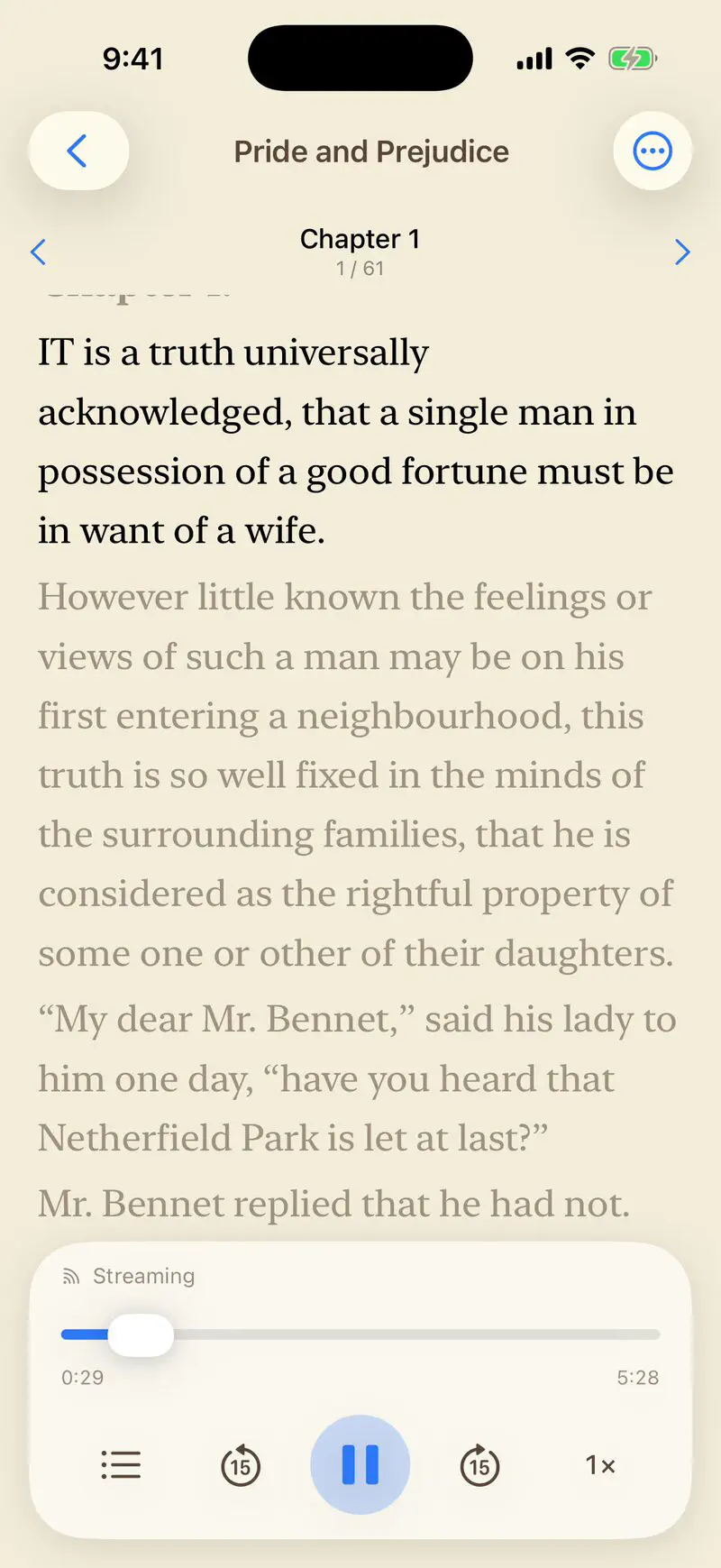
What the sync gives you:
- Follow the text as a real person reads it: a better way to learn a language, to study a classic, or simply to stay focused.
- Switch between reading and listening whenever it suits you: read on the train, listen while you walk, and pick up at the same sentence.
- Search the text to find a specific passage in the recording.
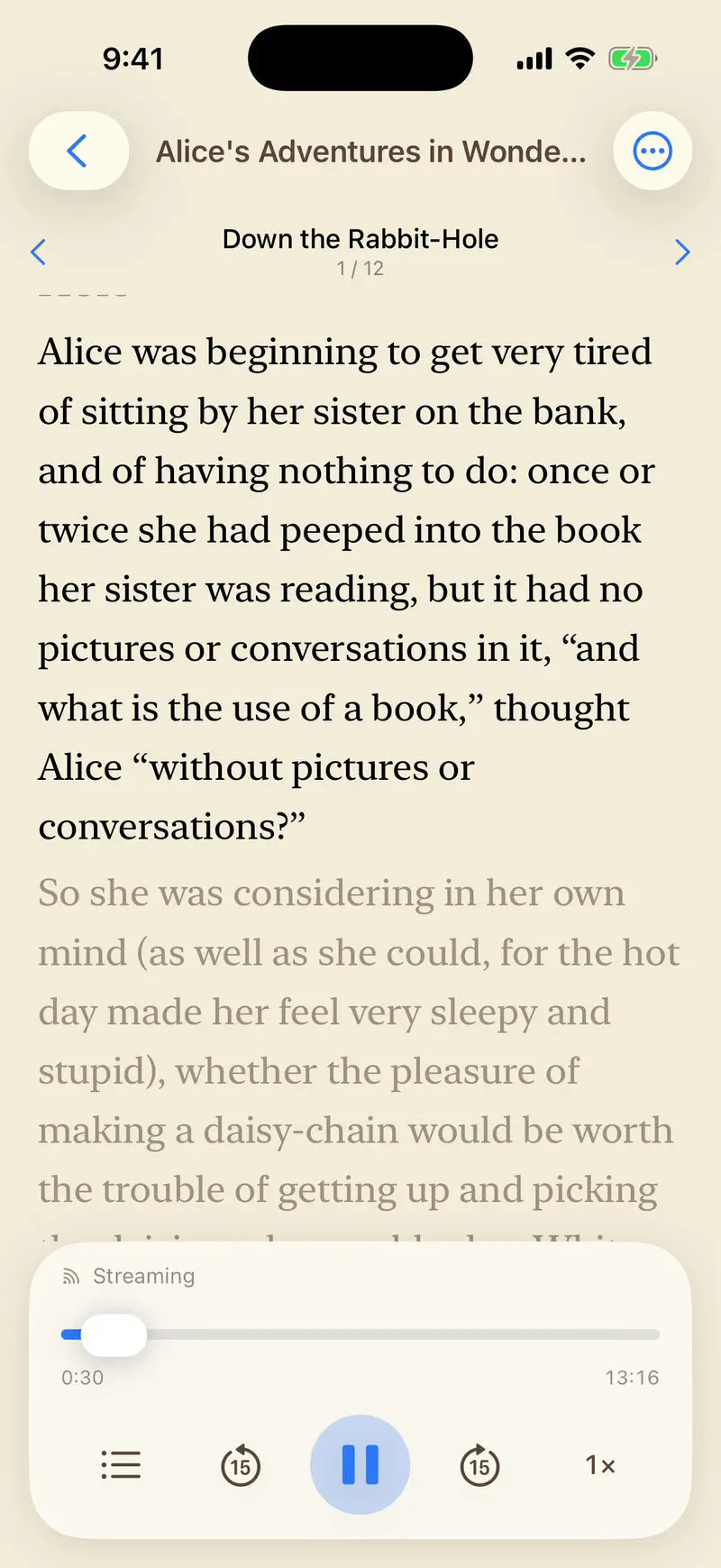
Here is Alice in Wonderland, read by Kara Shallenberg, with its opening on the page as she reads it:
Which books are synced?
We started with the books people read most: the 500 most-downloaded books on Project Gutenberg, each with the LibriVox recording TTSReader plays by default. Most are in English, with French, Spanish, German, Dutch, Italian and Portuguese titles too. Among them:
- Pride and Prejudice, Emma and Sense and Sensibility (Jane Austen)
- Moby-Dick (Herman Melville)
- Frankenstein (Mary Shelley)
- Dracula (Bram Stoker)
- Jane Eyre (Charlotte Brontë)
- Alice’s Adventures in Wonderland (Lewis Carroll)
- The Adventures of Sherlock Holmes (Arthur Conan Doyle)
- The Picture of Dorian Gray (Oscar Wilde)
- The Great Gatsby (F. Scott Fitzgerald)
- Little Women (Louisa May Alcott)
- Wuthering Heights (Emily Brontë)
- Peter Pan (J. M. Barrie)
- The Secret Garden (Frances Hodgson Burnett)
- The Odyssey (Homer)
- Crime and Punishment (Fyodor Dostoyevsky)
- A Christmas Carol (Charles Dickens)
More are on the way.
All of Project Gutenberg: a free, Kindle-like library that reads to you
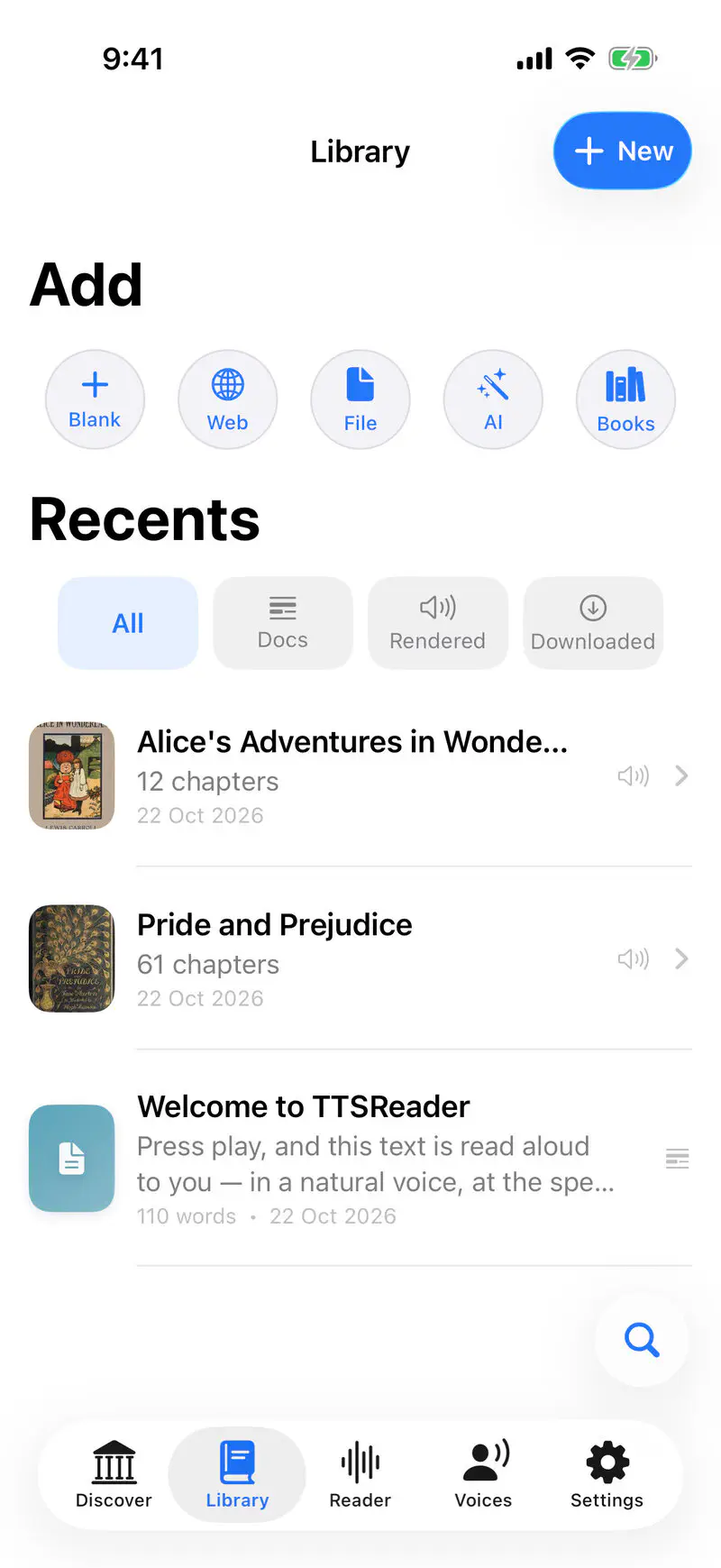
All of Project Gutenberg’s nearly 80,000 free e-books (79,537 in our catalogue) are in Discover. Open any of them and it becomes a book in your Library, chapters and all, with the reading themes, fonts and text sizes you’d expect from an e-reader.
The difference: every book can also read itself to you, in natural AI voices or in your device’s own voices, with the current sentence highlighted as it goes. And for the 500 books above, you can choose a real person’s narration instead.
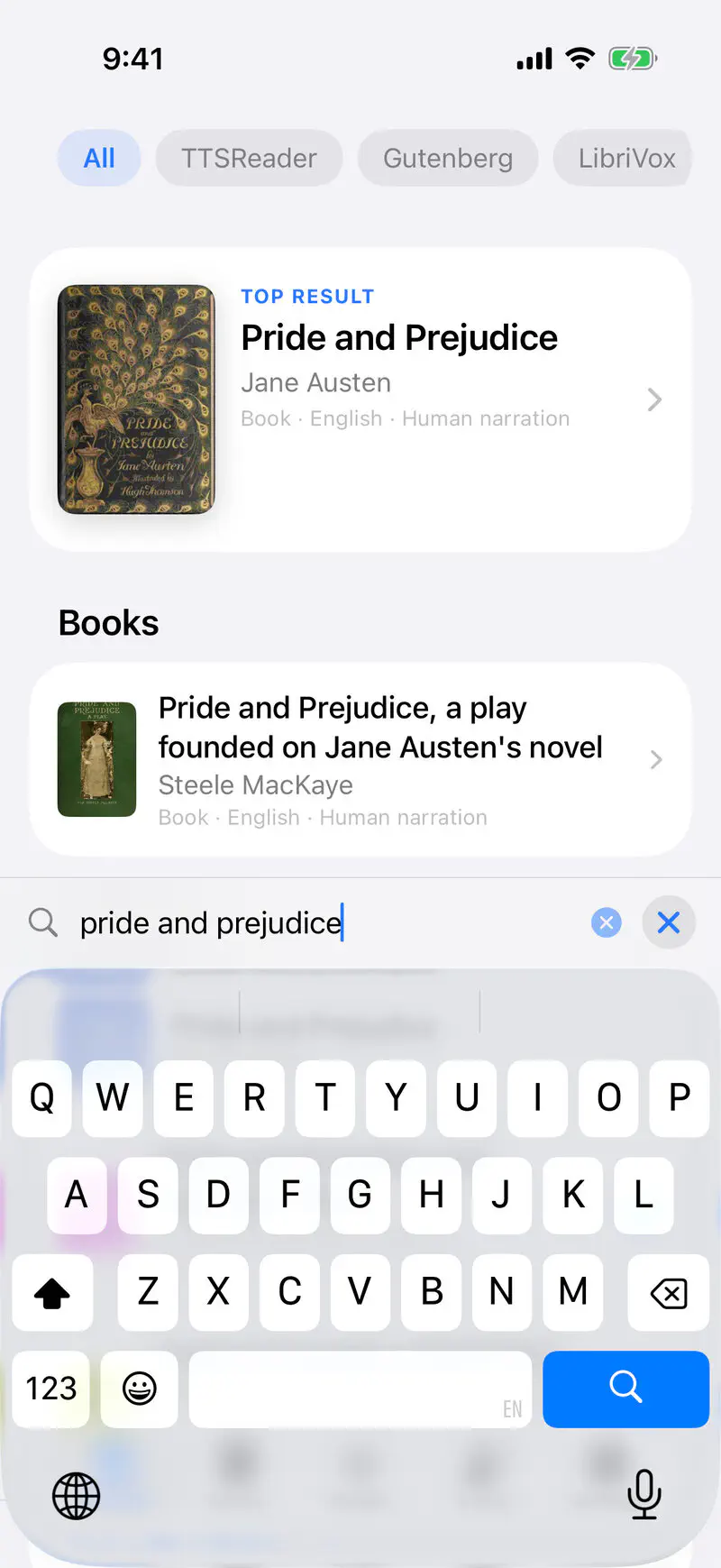
The best place to listen to any LibriVox audiobook
Every LibriVox recording, more than 22,000 of them, is in Discover, searchable by title or author, next to the book it reads. Open a book’s card to choose how to listen: a person reading it, or one of our AI voices.
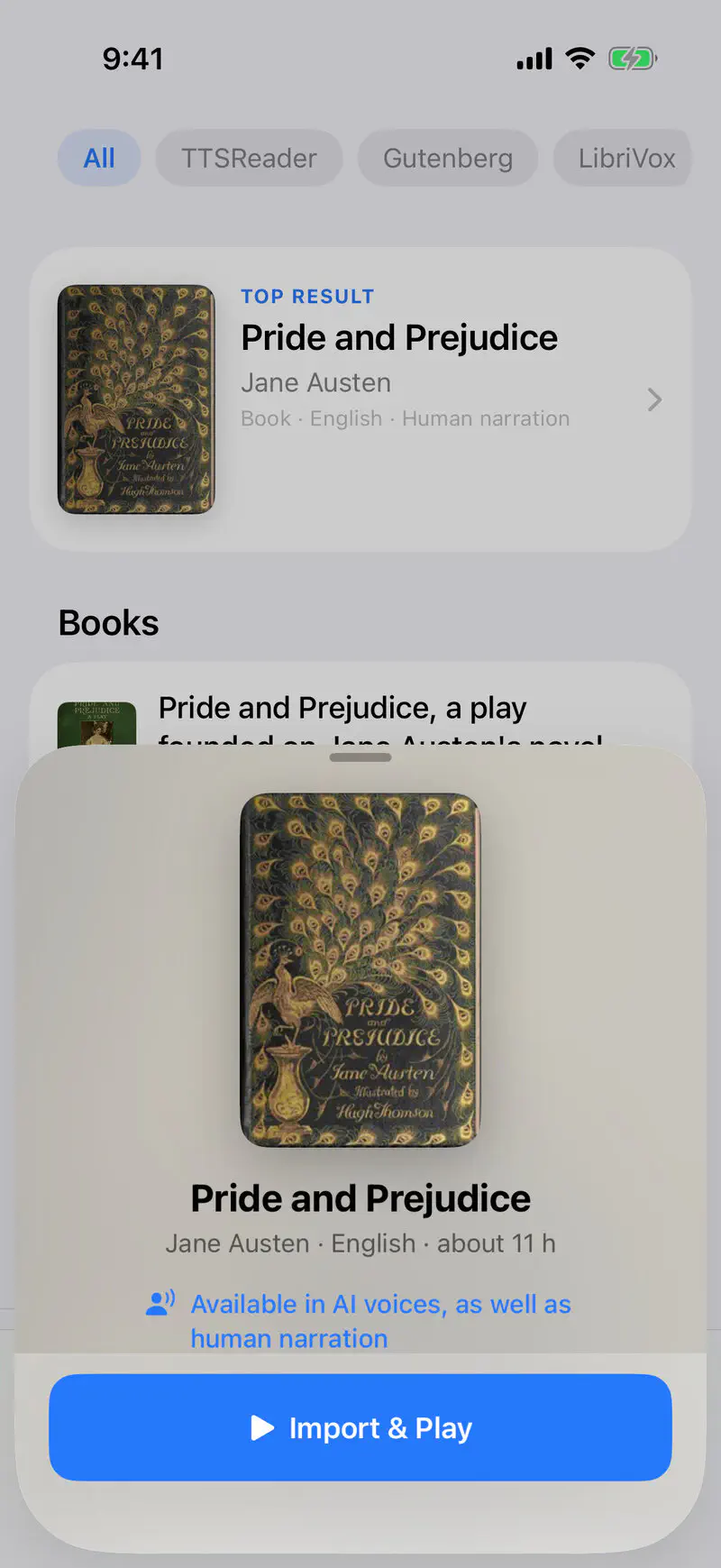
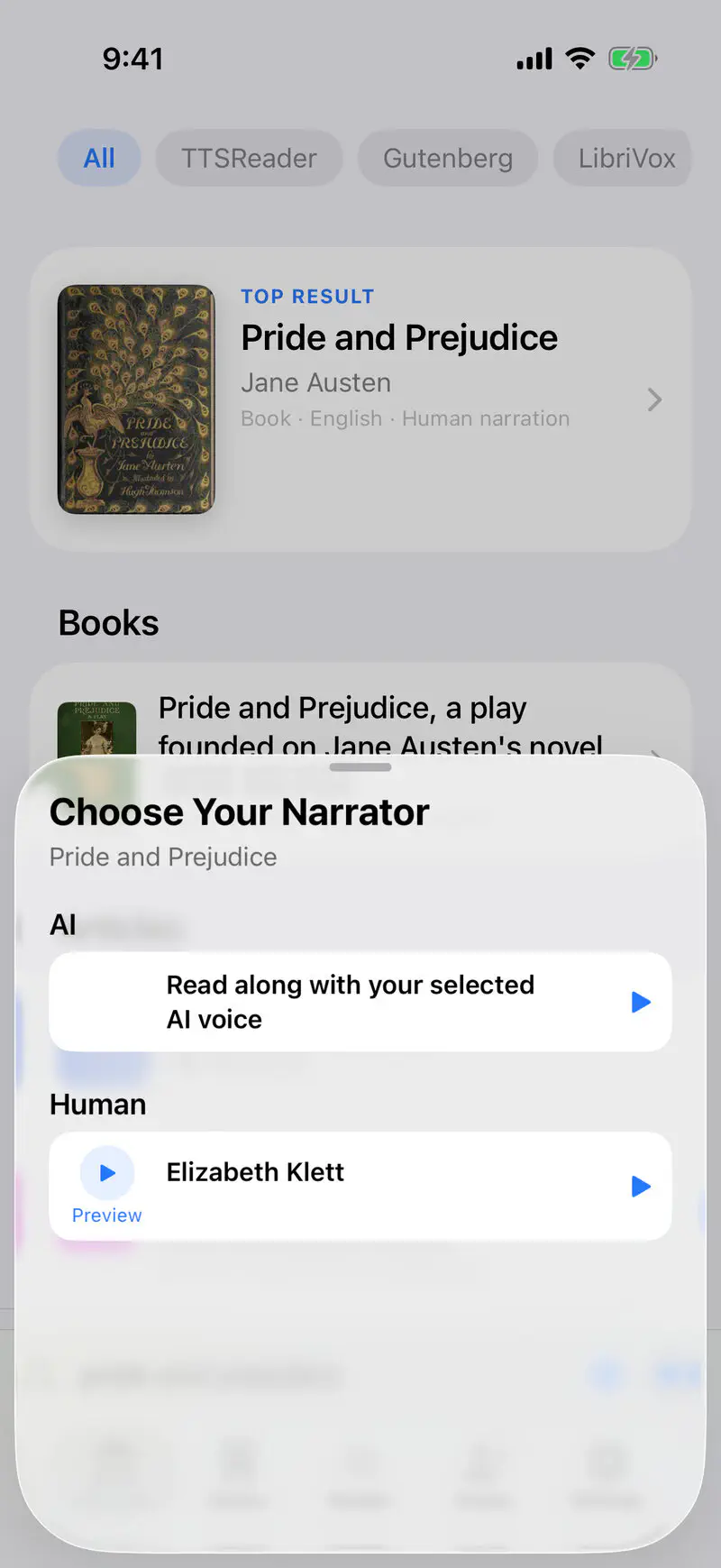
What TTSReader adds to every LibriVox audiobook:
- Bookmarks and your place saved, chapter and second, and synced across your devices.
- Offline downloads of the whole book, for commutes, flights, trips and buildings with no signal.
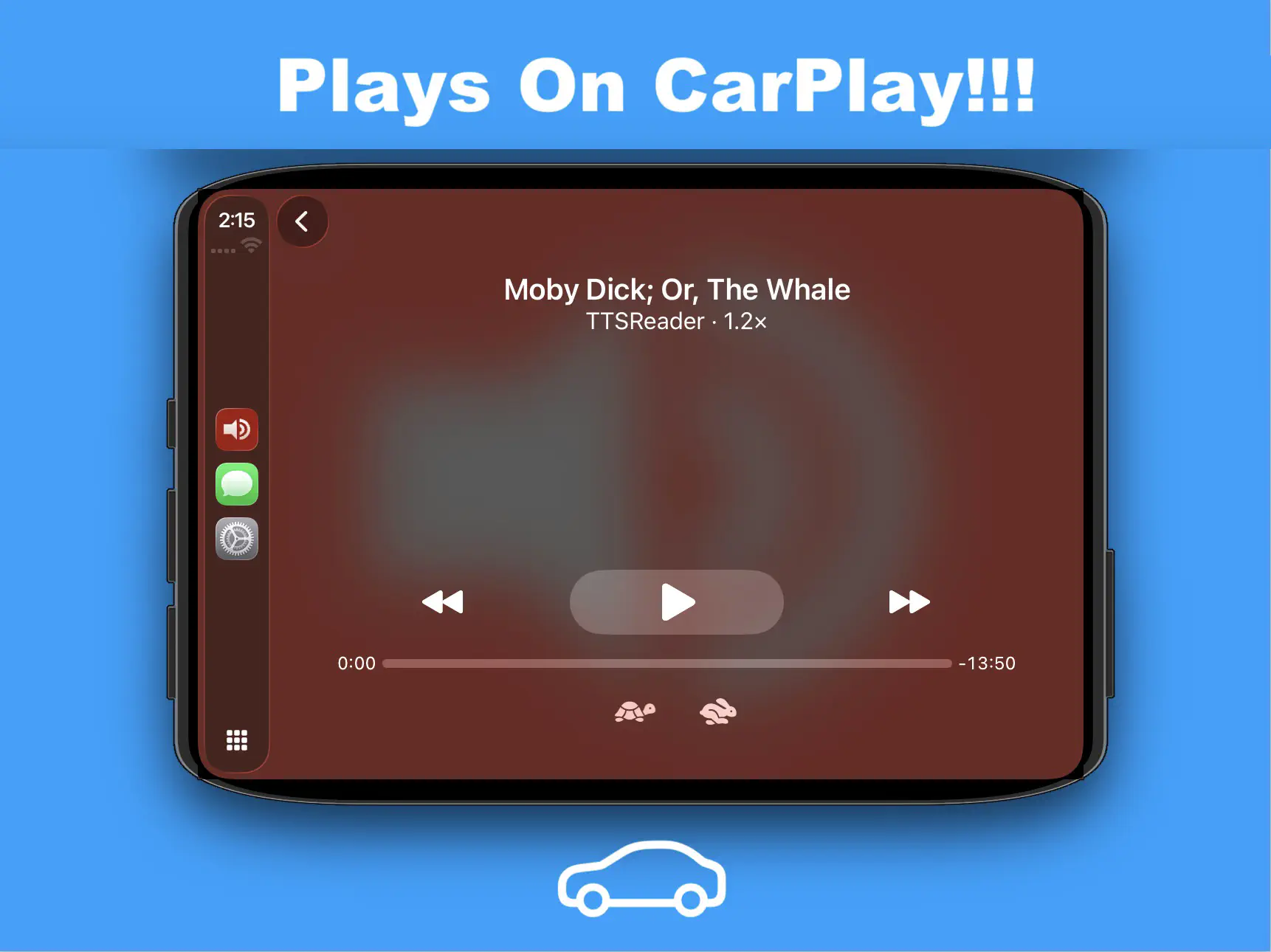
- On the road: TTSReader plays on CarPlay and Android Auto.
- A library for many books at once. Listen to several books in turn, and each one keeps its own place.
- Free. No charge per book or per reading. The human-narrated recordings are free to all our users, and so are your device’s voices.
And all of Wikipedia
Discover also holds all of Wikipedia, with shelves of articles in 81 languages. Any article opens as a clean document, ready to be read aloud.
Where to get it
TTSReader is on the App Store and Google Play, and online at ttsreader.com.
Questions and answers
What is a synced audiobook? An audiobook whose recording is aligned to the book’s text, so the app always knows which sentence is being read. In TTSReader, that sentence lights up as the narrator reads it, and the page follows.
How many audiobooks are synced? 579 complete LibriVox audiobooks, more than 5,000 hours of human narration, covering the 500 most-downloaded books on Project Gutenberg.
Is it free? Yes. The human-narrated LibriVox recordings and the device voices are free for every TTSReader user, with no charge per book.
Who are the narrators? LibriVox volunteers, who record public-domain books and give the recordings to the public domain. TTSReader names the narrator of every recording.
Can I listen offline? Yes. Download a whole book, and both the audio and the text are on your device.
Does it work in the car? Yes, on CarPlay and Android Auto.
Which devices? iPhone, Android phones and the web.
Thank you
A big thank-you to the volunteers of LibriVox, who recorded these books and gave them to the public domain, and to Project Gutenberg, which keeps the texts free for everyone.
👉 GET TTSREADER ON THE APP STORE