The most interesting content in the world is written. Now, you can listen to all of it, clip, share, and more — with the brand-new TTSReader app for iPhone.
Exciting Launch of TTSReader for iPhone!! The BEST Text-to-Speech App for iPhone ever built!
👉 GET TTSREADER ON THE APP STORE
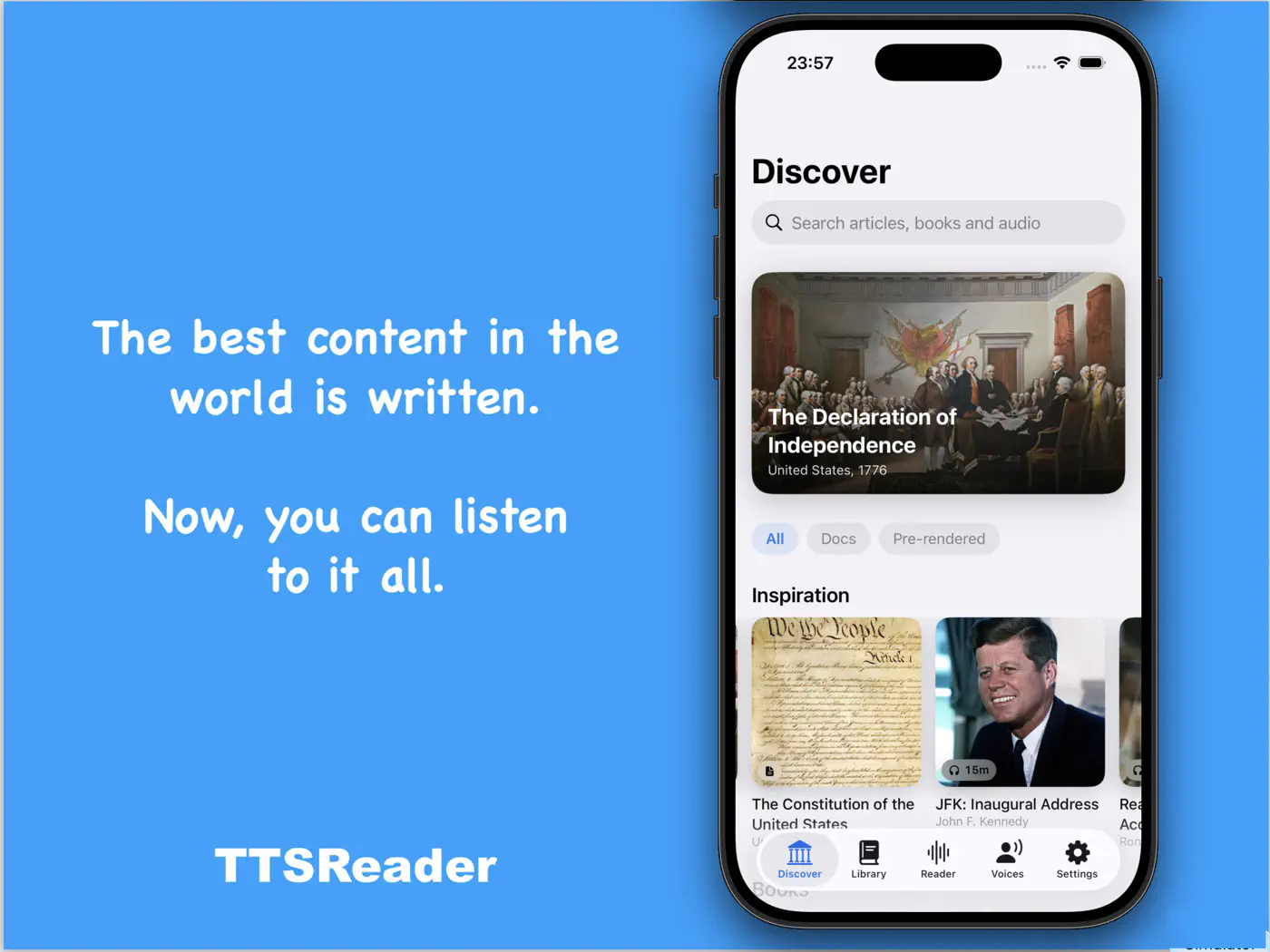
Open the app and land on Discover — founding documents, famous speeches, classic books and stories, curated and ready to play.
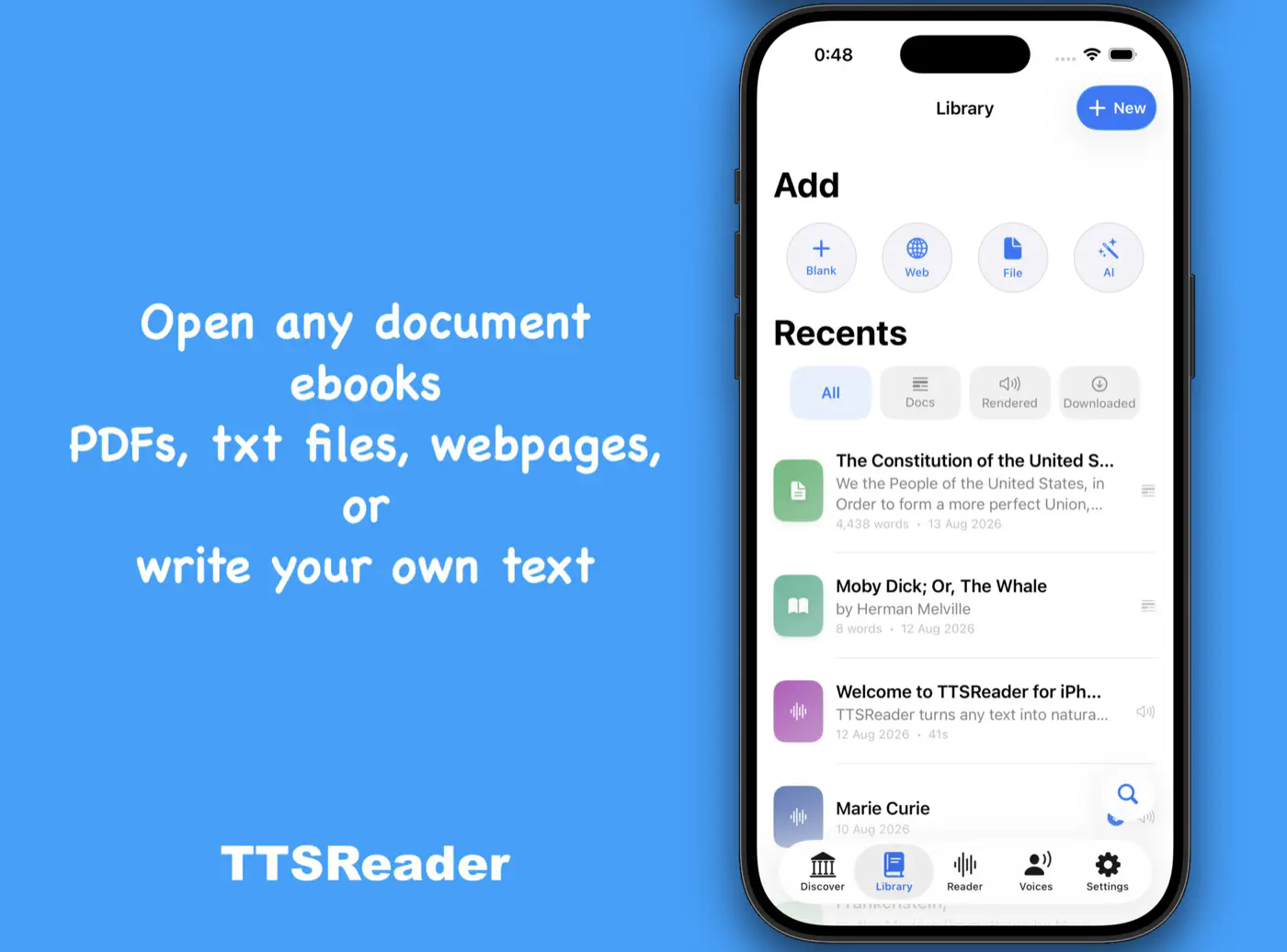
Your Library holds everything in one place — documents, ebooks, and rendered audio, with quick filters to find any of them.
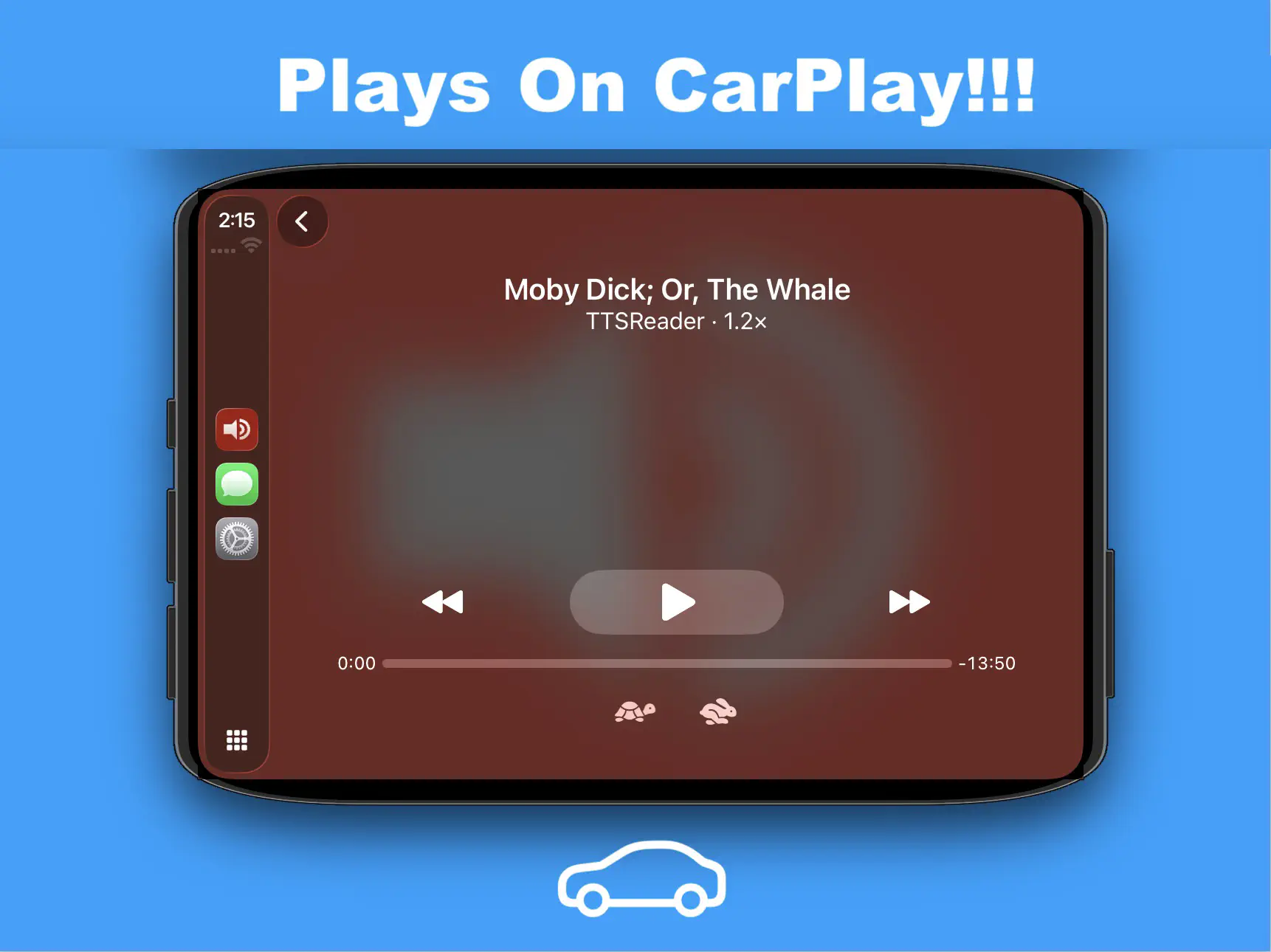
And the best part? It plays on CarPlay!!! And supports 100% OFFLINE playing!!
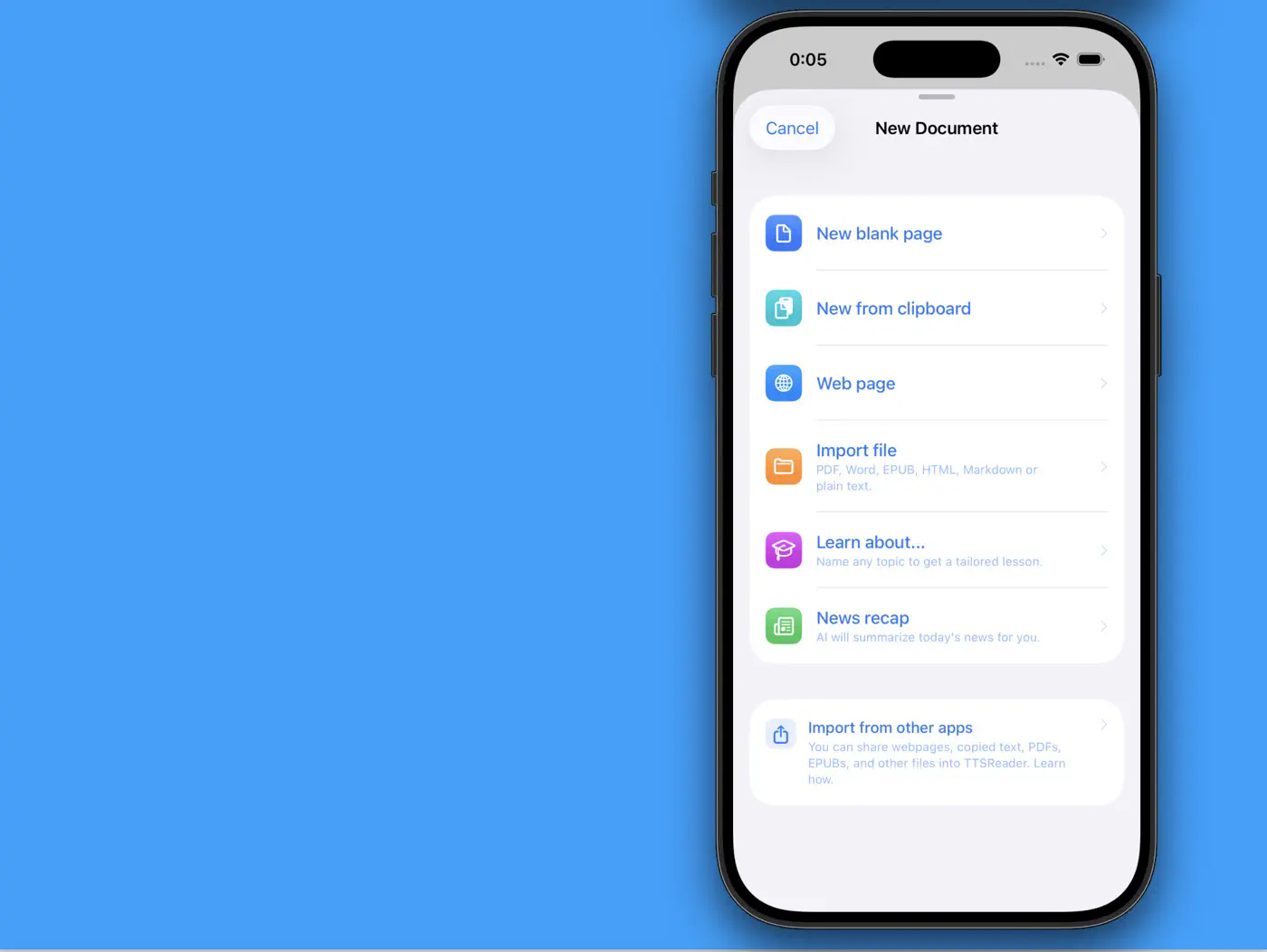
Adding something new takes one tap: a blank page, your clipboard, a web page, a file — or let AI teach you about any topic or recap today’s news.
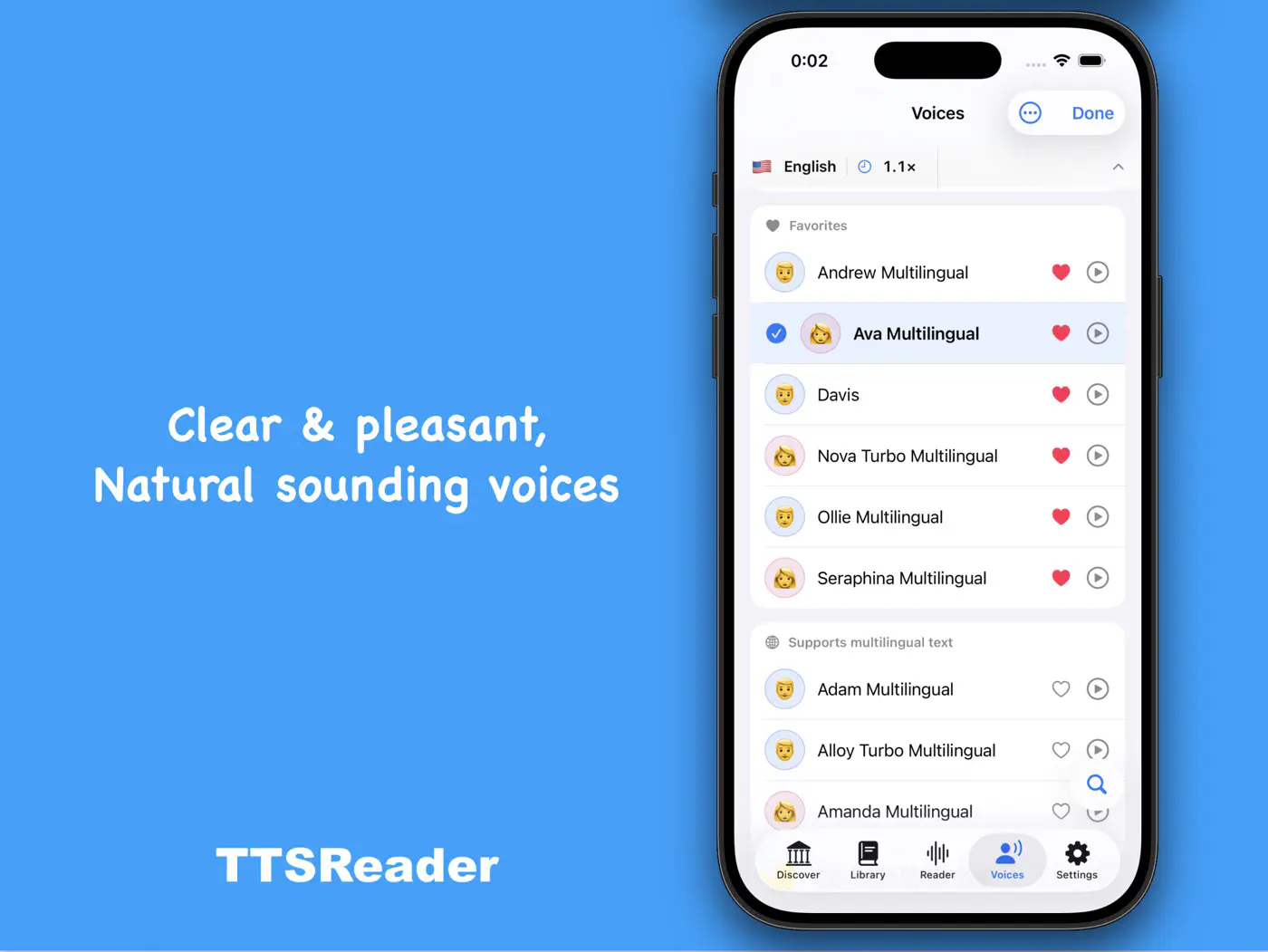
Pick from clear, pleasant, natural-sounding voices — favorite the ones you love, and preview any of them with a tap.
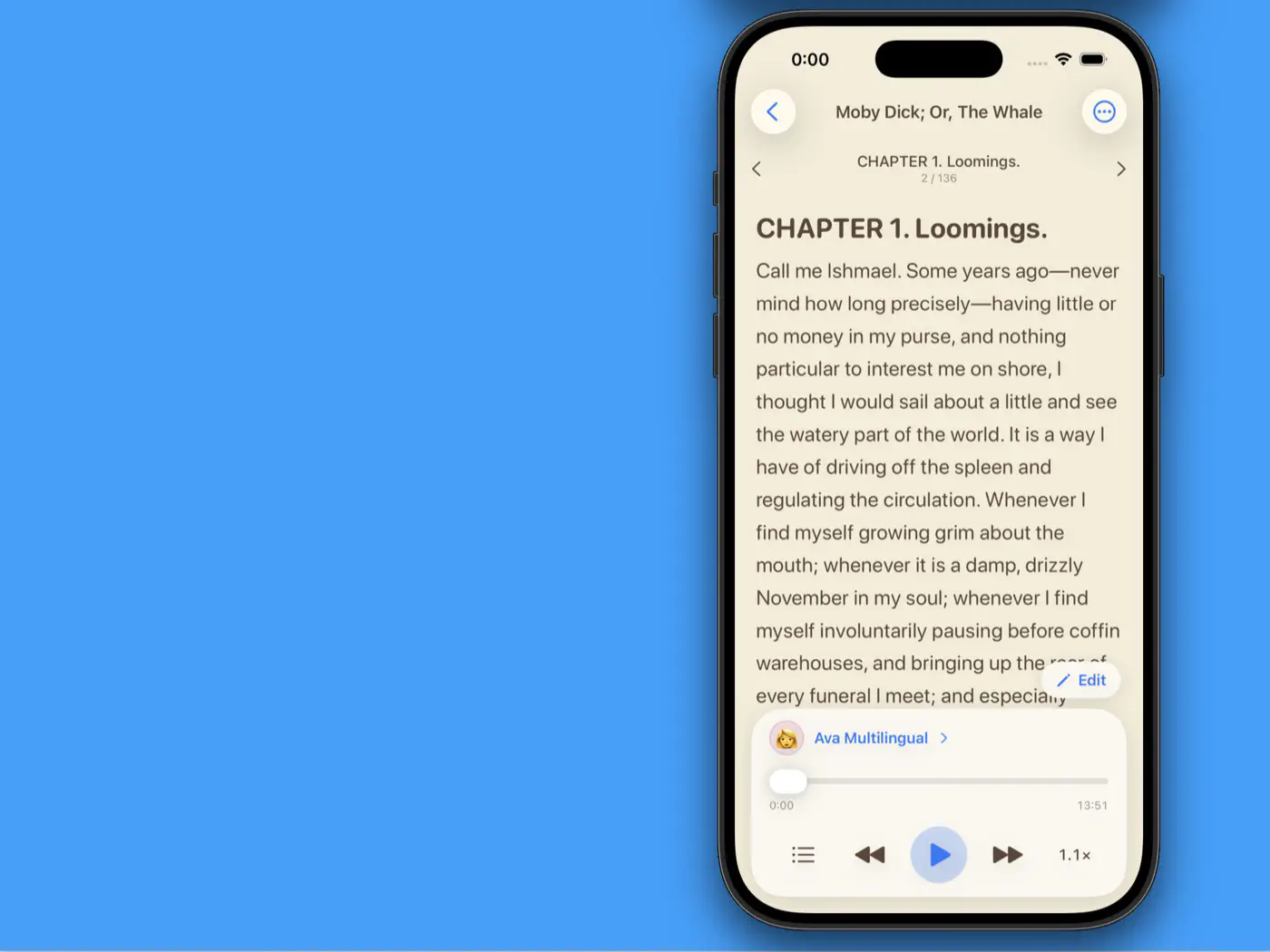
The reader is built for long, comfortable sessions — here’s Moby Dick in the warm sepia theme, chapter by chapter.
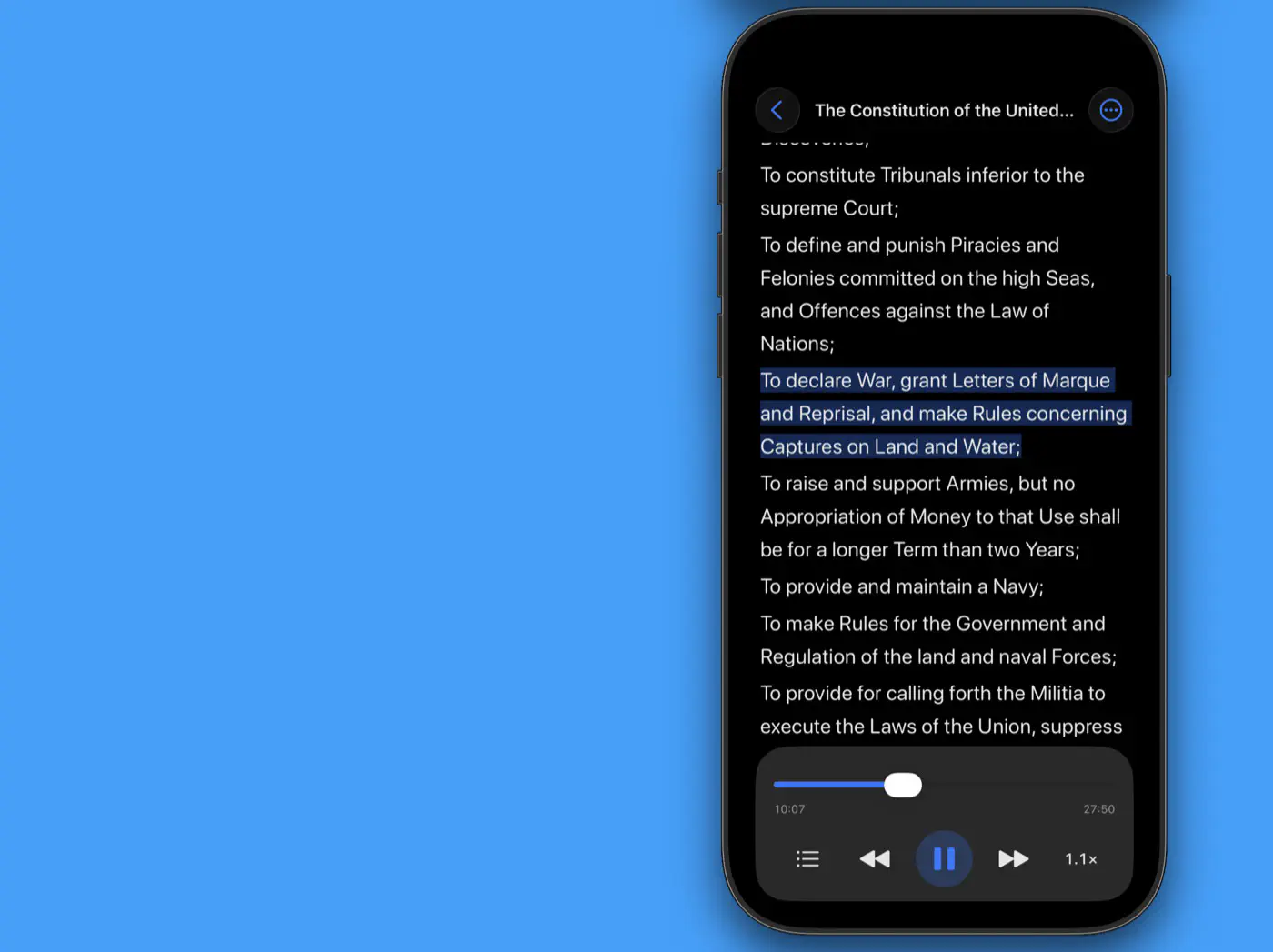
As it reads, the current sentence is highlighted so your eyes and ears stay in sync — even at night.
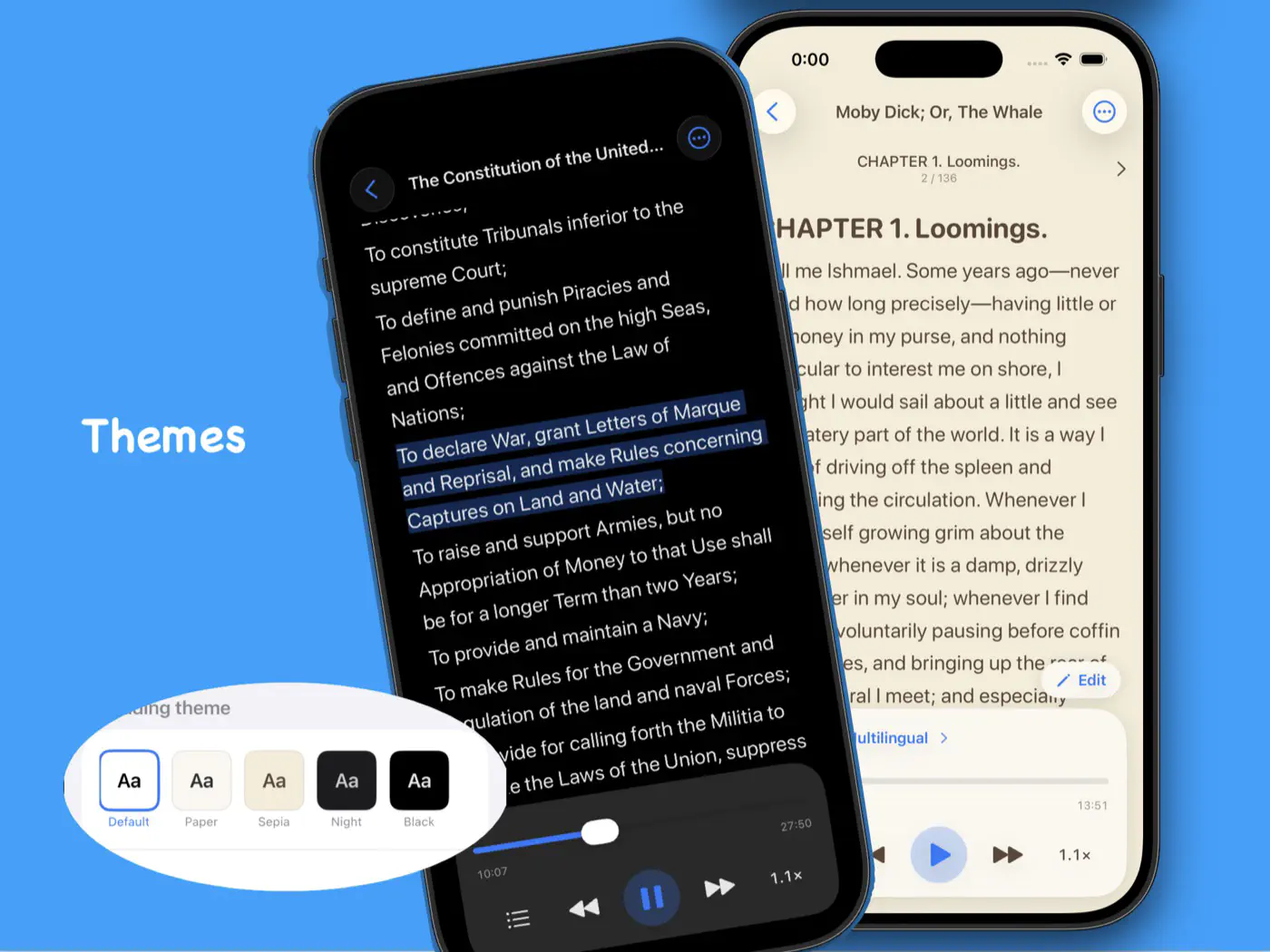
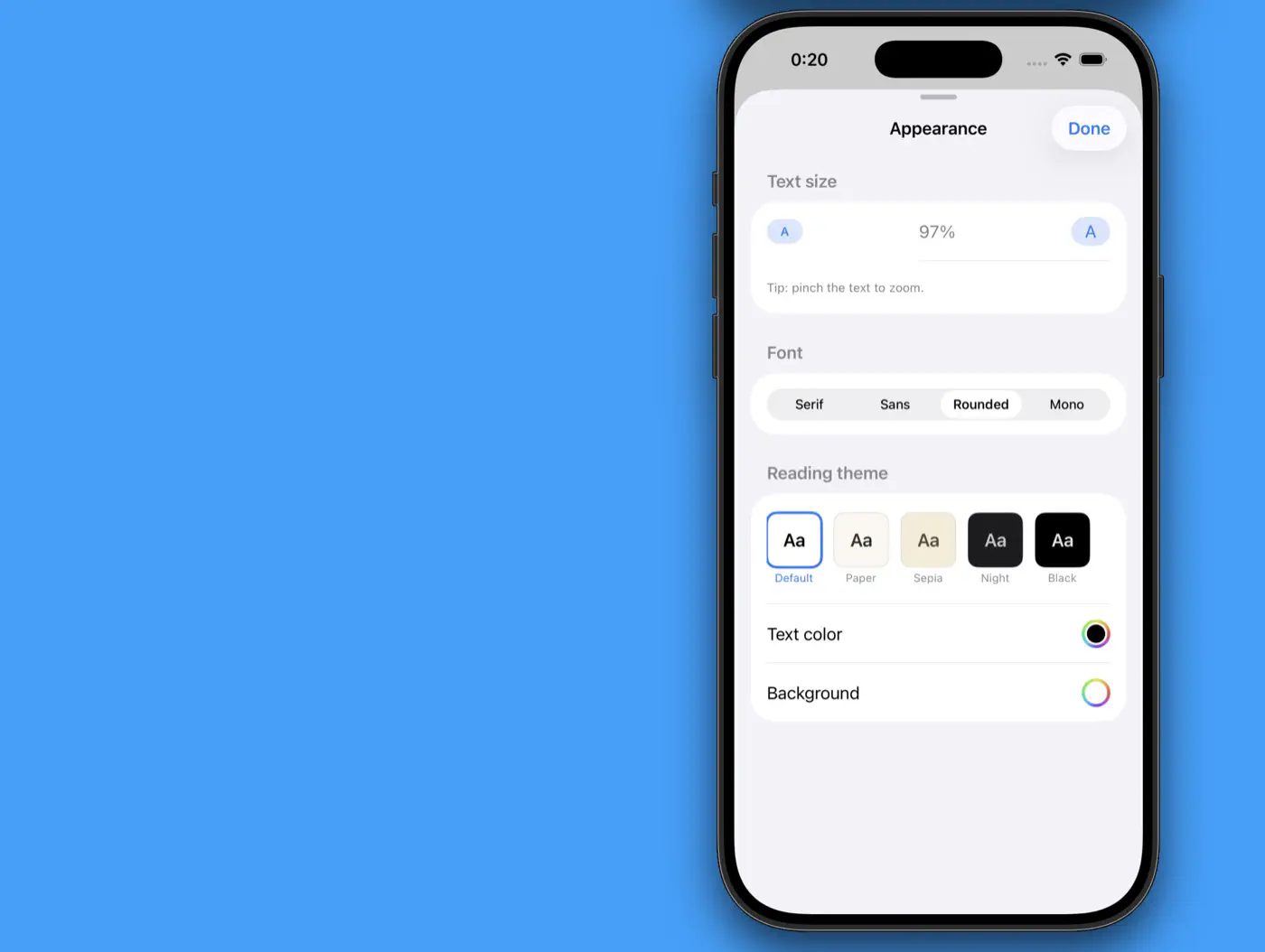
Default, Paper, Sepia, Night, or Black — the whole reading experience adapts to the theme you choose.
Text size, font, colors — tune the page until it reads exactly the way you like.
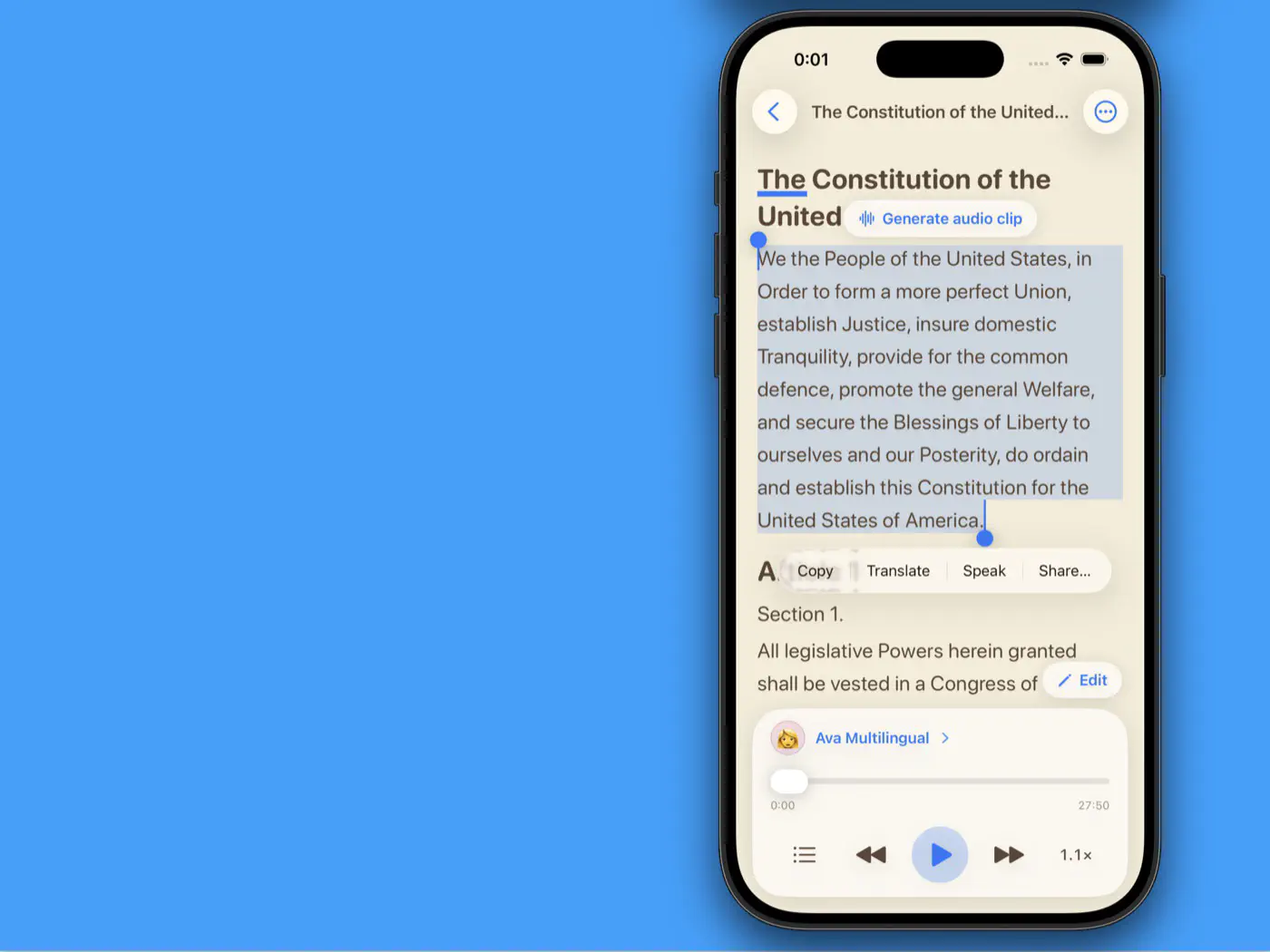
Select any passage to copy, translate, speak — or turn it straight into an audio clip.
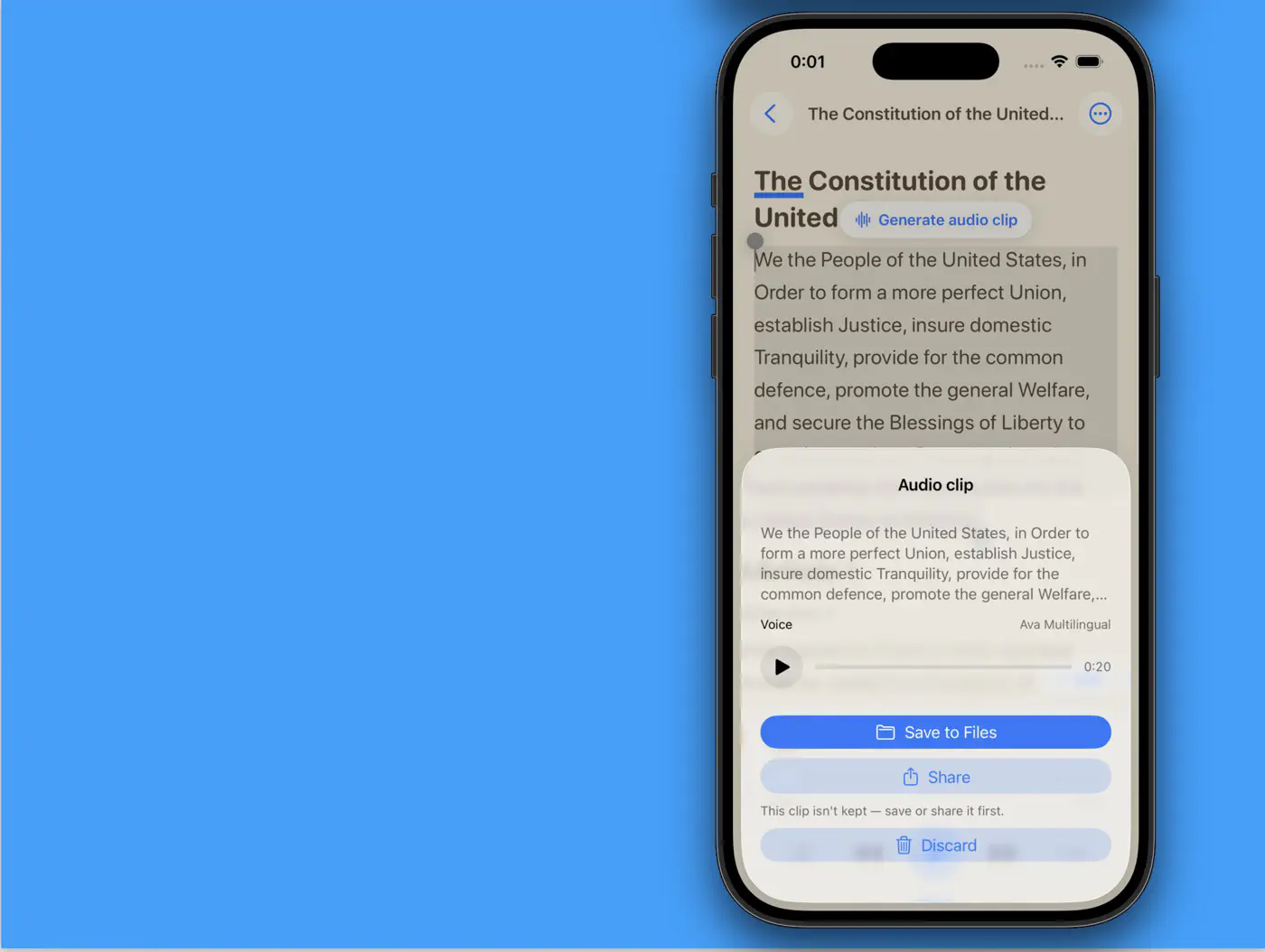
Your clip is rendered in seconds with the voice of your choice — save it to Files or share it anywhere.
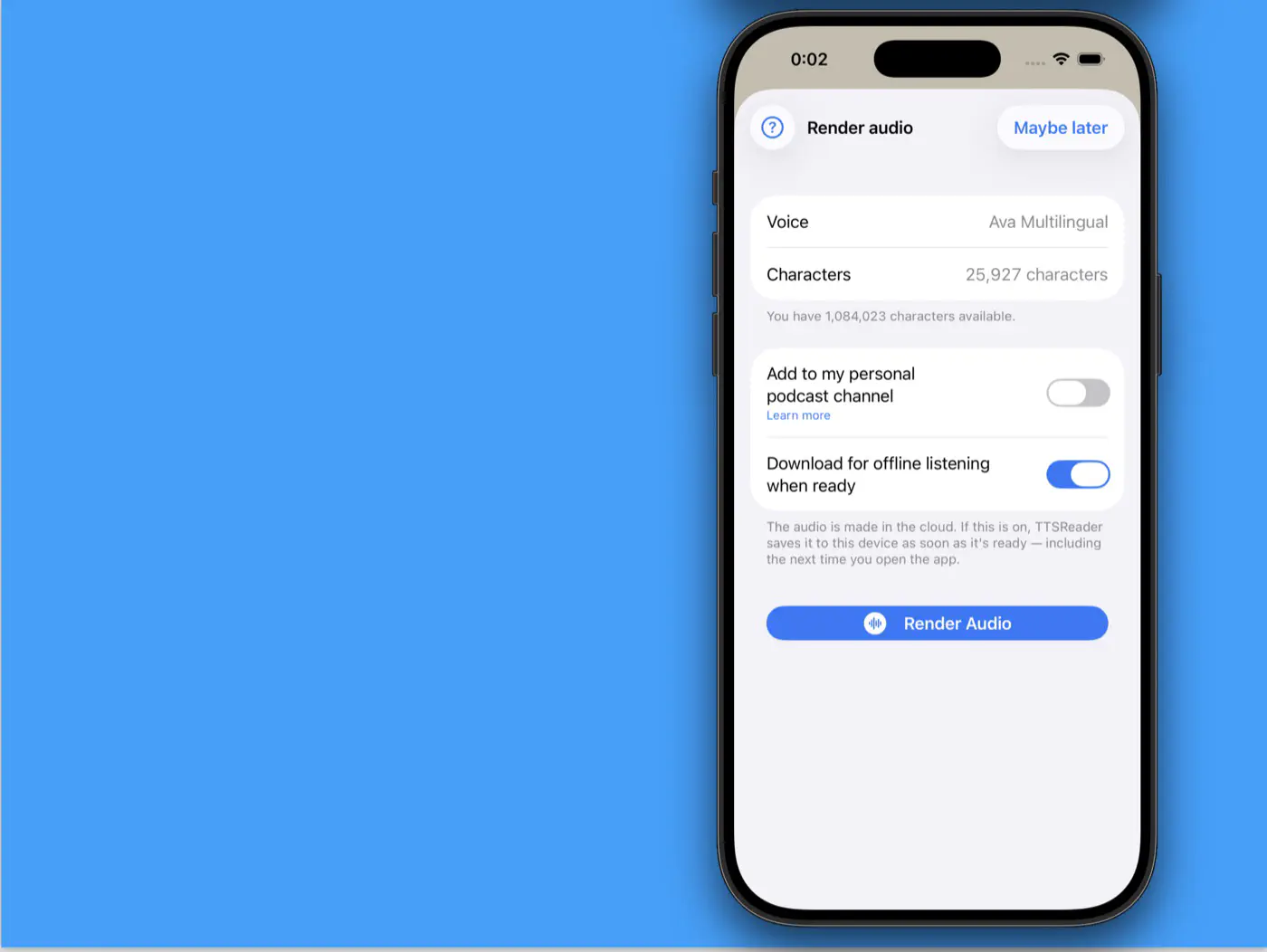
Render whole documents to audio in the cloud — download them for offline listening, or add them to your personal podcast channel.
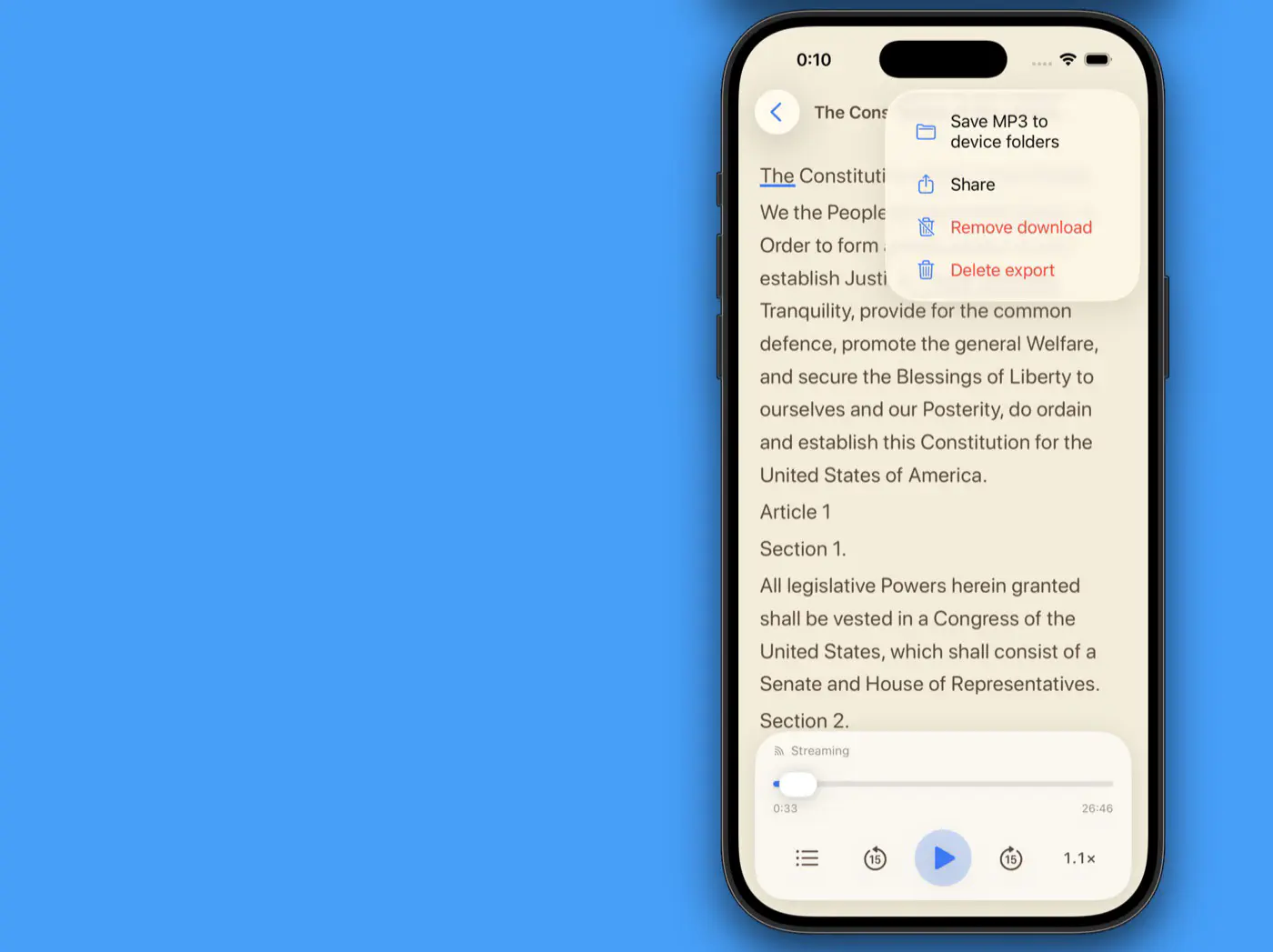
Rendered audio is yours to keep: save the MP3 to your device folders or share it with anyone.
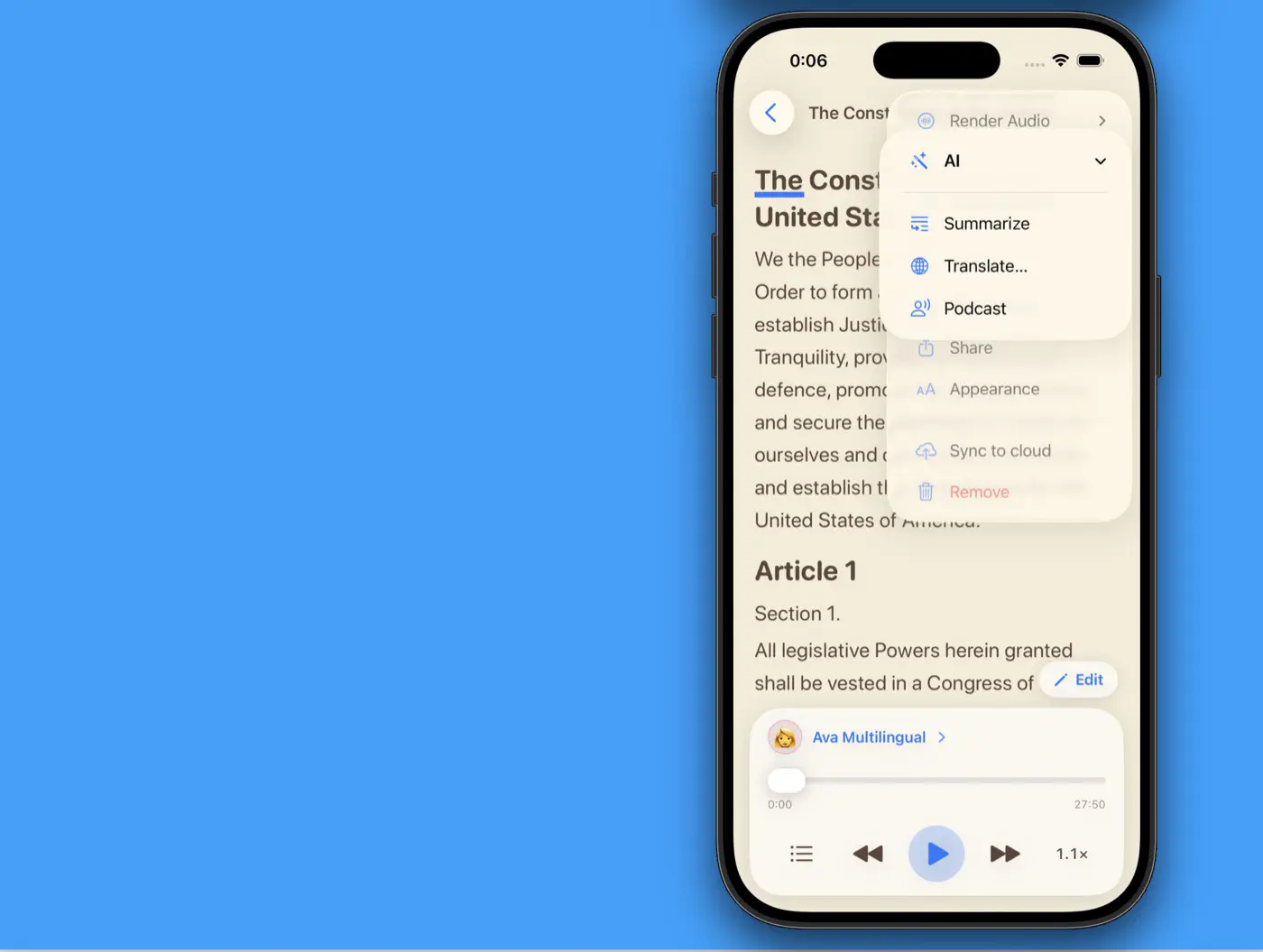
Built-in AI tools go further — summarize a document, translate it, or turn it into a two-host podcast.
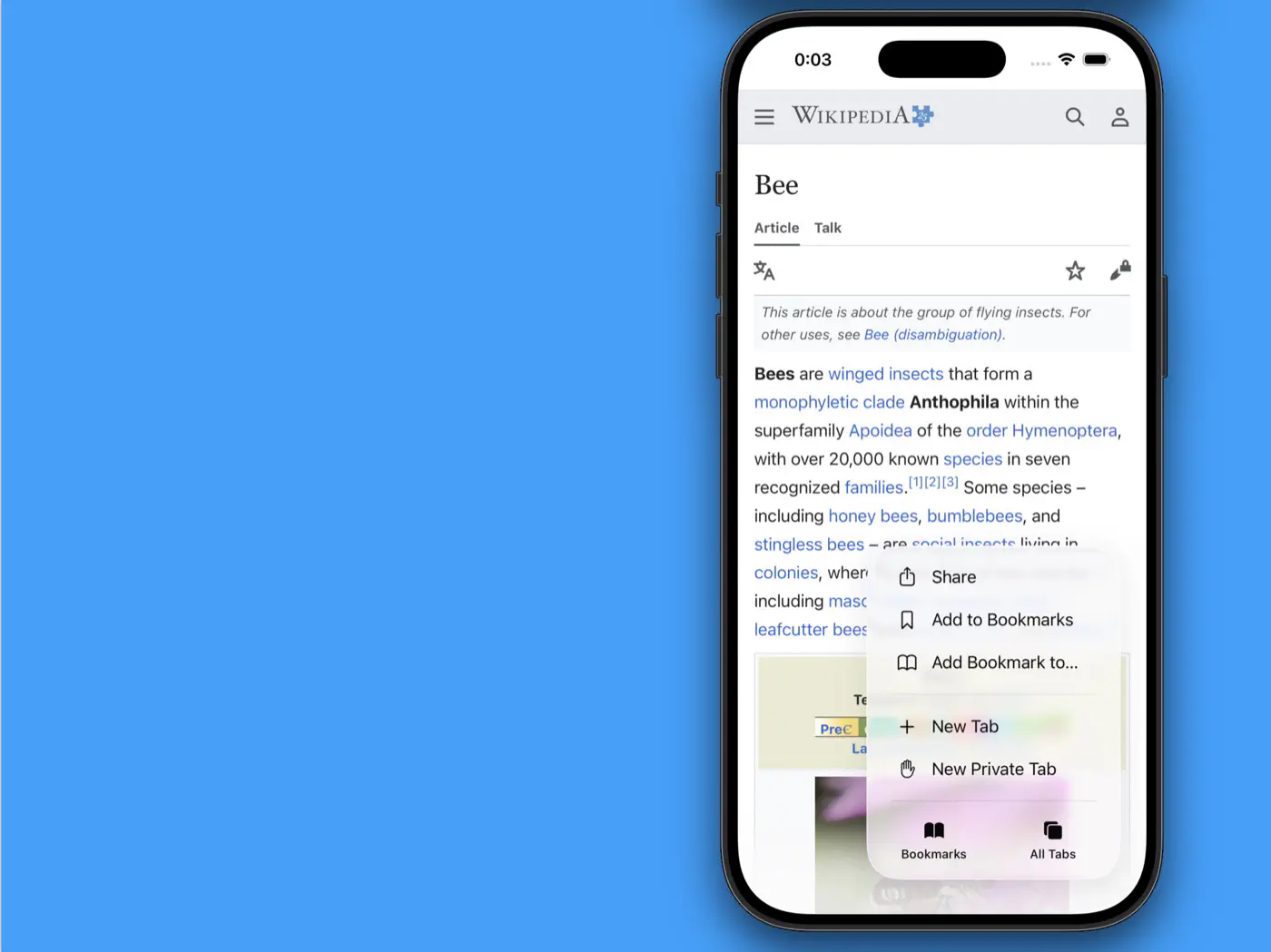
Reading something interesting in your browser? TTSReader is one share away.
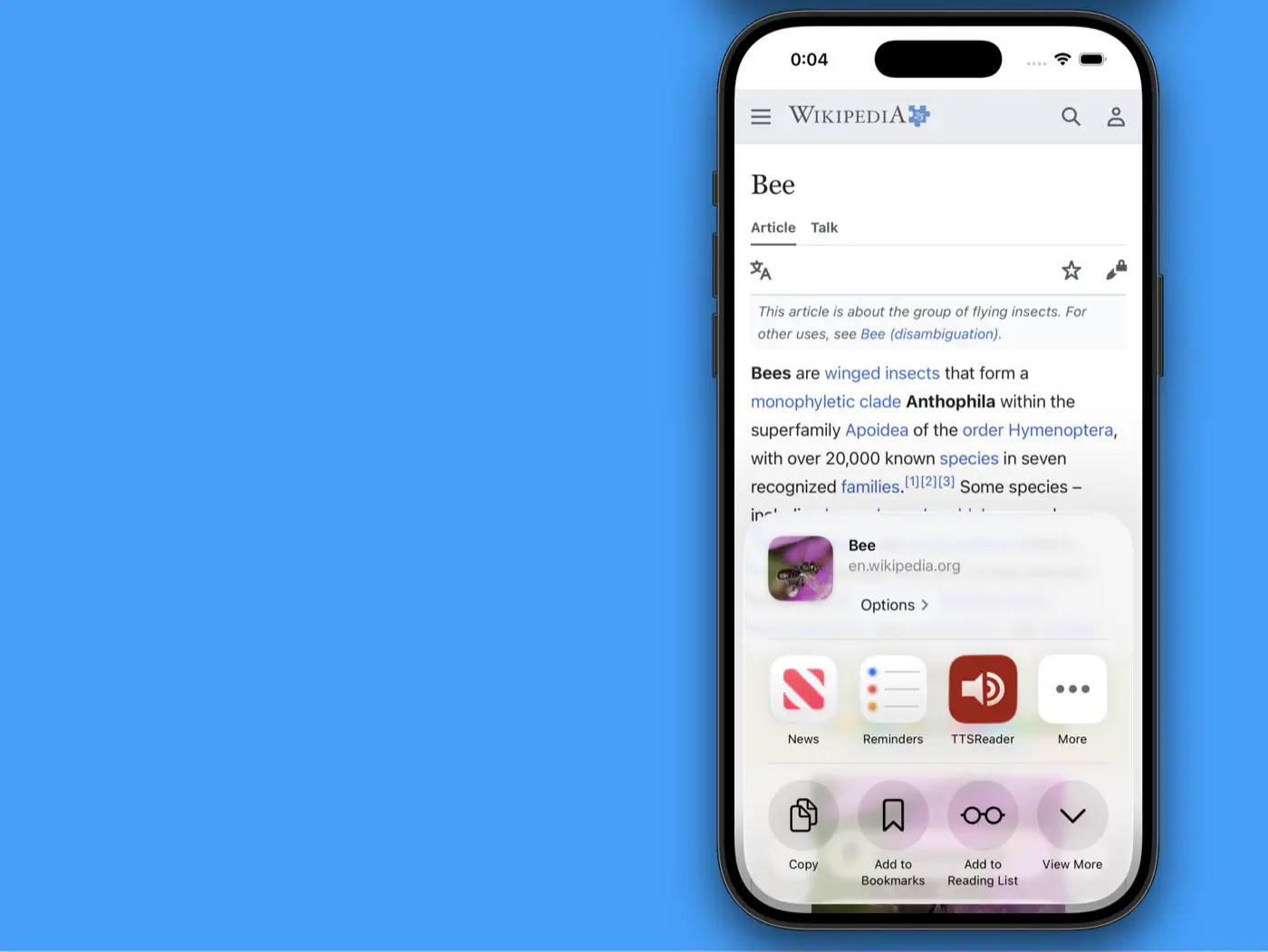
Share any page straight into TTSReader — it lands in your Library and starts reading aloud.
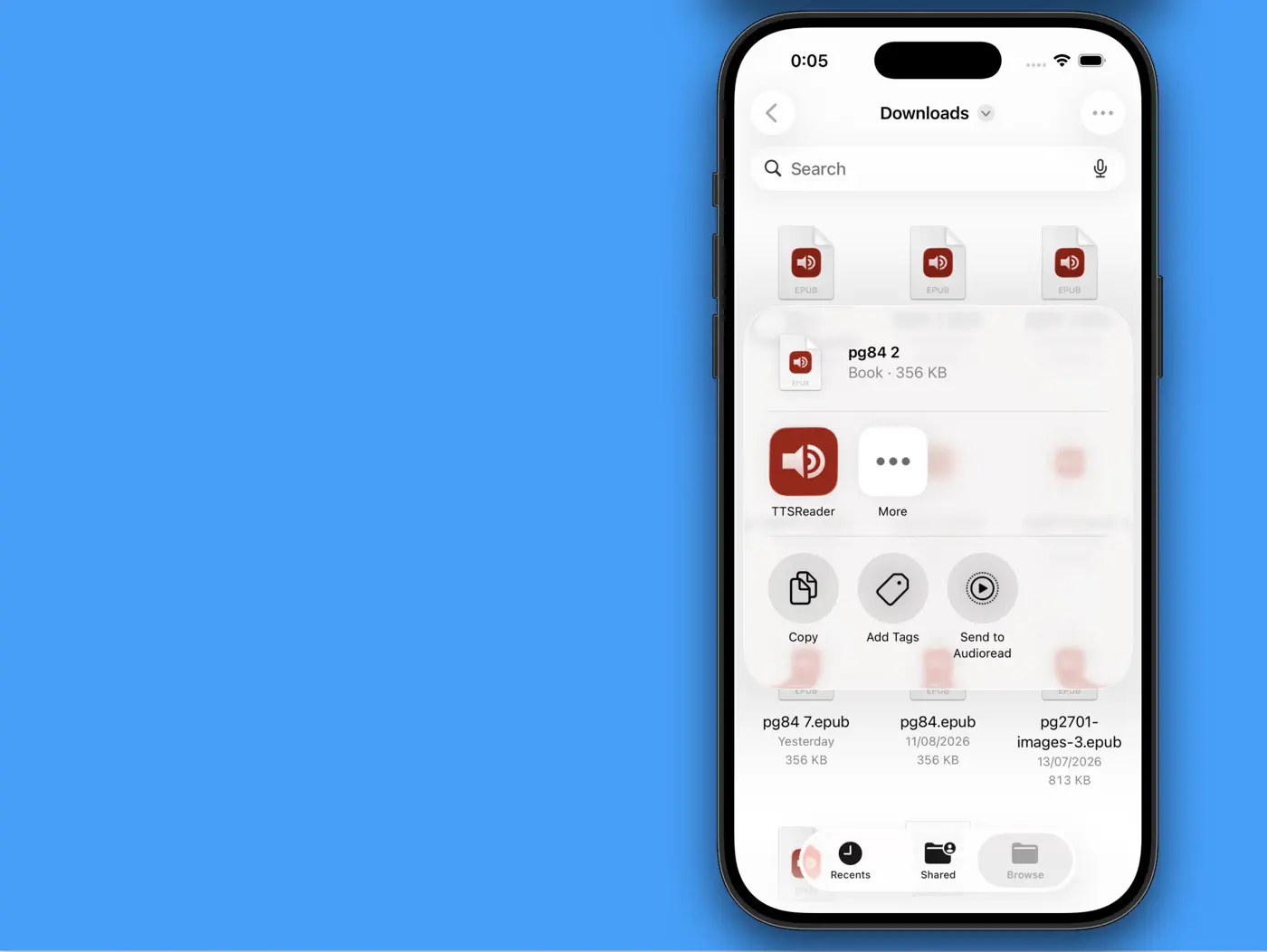
Ebooks in your Files app? TTSReader picks them up too.
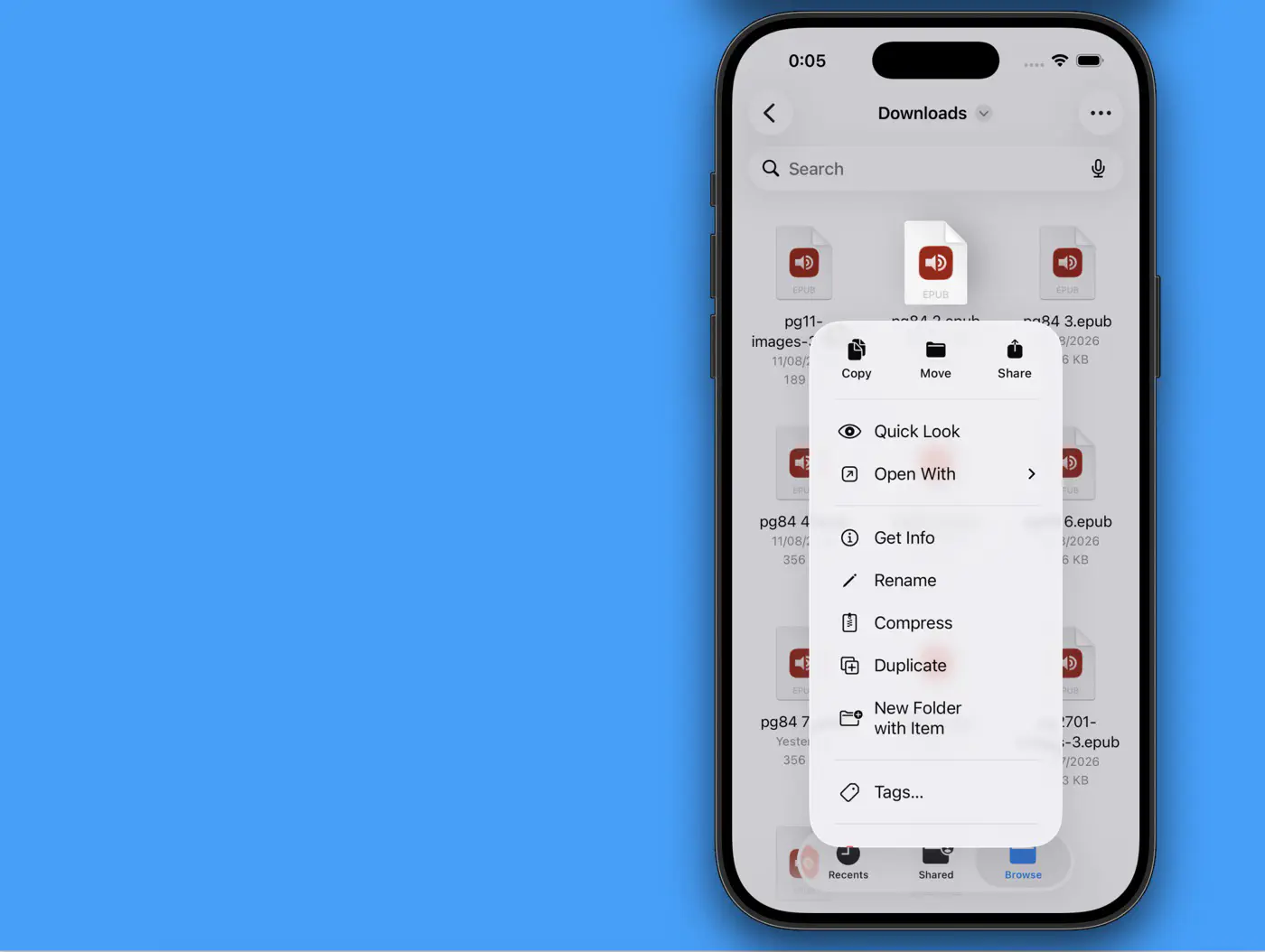
Open any EPUB with TTSReader and it becomes a narrated book, chapters and all.
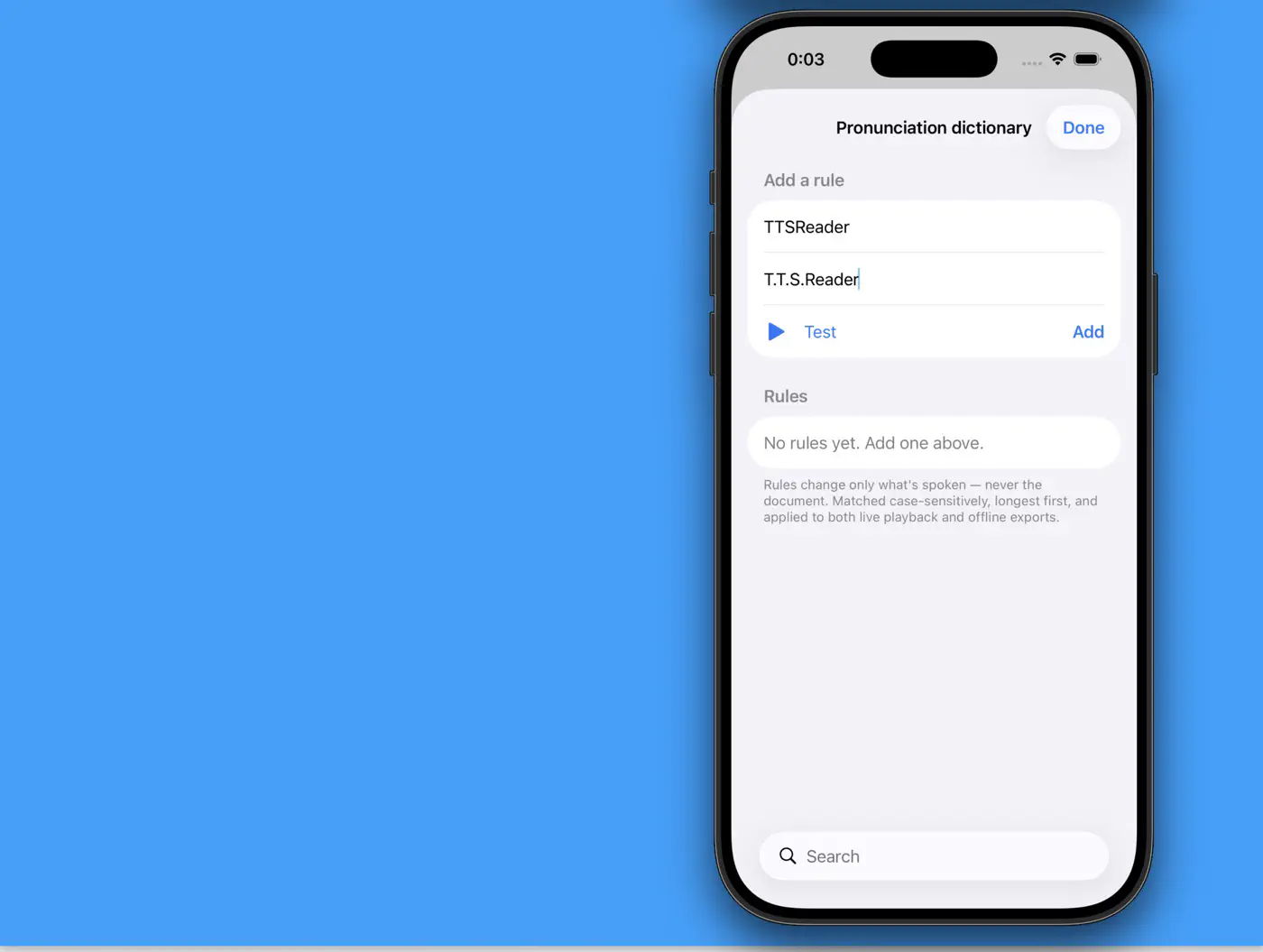
And for the perfectionists: a pronunciation dictionary lets you teach your voices exactly how to say any word.
That’s the new TTSReader for iPhone — the content you always meant to read, finally accessible right on your phone - anywhere you go.